
Download ZalTV Player APK – IPTV Player, Streaming App, Live TV, M3U Playlist, Mobile TV
Overview
ZalTV Player APK is a dedicated IPTV streaming application designed to deliver live television and on-demand video content over internet protocol networks. It functions as a playback platform for users who have subscribed to third-party IPTV services, enabling them to access their M3U playlists and stream content across multiple devices. The software does not provide its own content or broadcasting services, but instead serves as a lightweight, efficient interface for playing IPTV streams.
Target users include individuals who want to watch live TV shows, sports events, news, and entertainment programs in real-time using their mobile devices, tablets, or smart TVs. It is particularly suited for users who already have an IPTV subscription and are seeking a reliable, easy-to-use player without the complexity of add-ons or manual URL entry. The app is ideal for those who value speed, simplicity, and cross-device accessibility in their streaming experience.
Real-world usage scenarios include watching live sports broadcasts while traveling, catching up on daily news during commutes, or viewing favorite TV series on a smart TV at home. The application supports seamless integration with existing IPTV providers, allowing users to activate their accounts with a single code across multiple devices. The developer did not provide additional details about the development background or company history.
Key Features & Capabilities
- Simple M3U Playlist Integration – Users can add their M3U playlist directly into the app to access all subscribed channels and content. This eliminates the need for manual URL input or URL shorteners.
- One-Time Activation Code – After setting up the account, users receive a single activation code valid across multiple devices, enabling consistent streaming on smartphones, tablets, and smart TVs.
- Lightweight & Fast Performance – The app is optimized for speed and minimal resource usage, ensuring smooth playback even on lower-end devices.
- Multi-Device Compatibility – Supports streaming on Android smartphones, tablets, and smart TVs, offering flexibility for users who want to watch content on various screens.
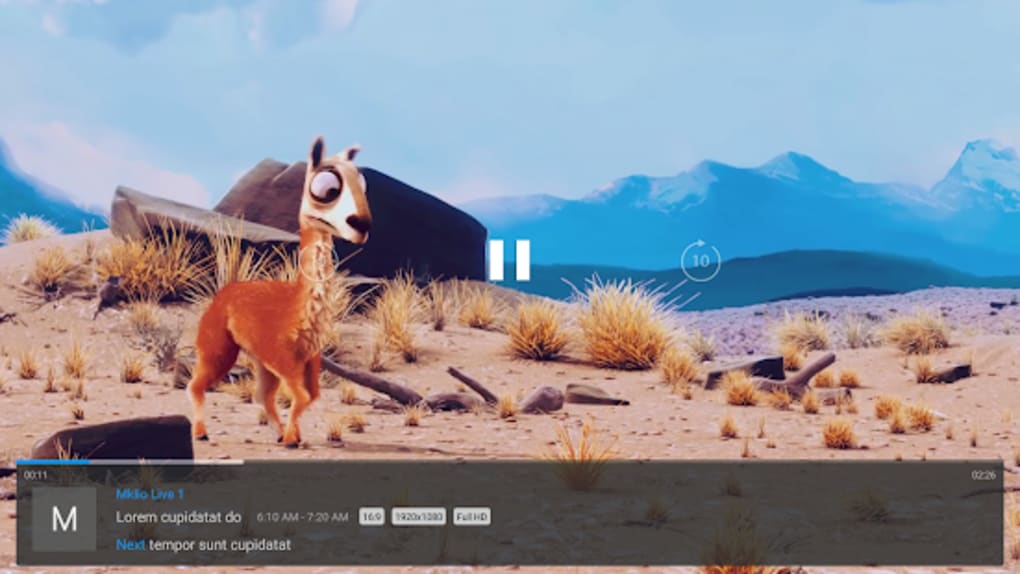
- Real-Time Live TV Streaming – Enables users to watch live broadcasts as they air, making it suitable for live sports, news, and current events.
- Minimal Interface Complexity – Designed with a clean, intuitive layout that allows users to navigate channels and content without technical knowledge.
These features streamline the IPTV experience by removing common barriers such as complicated setup processes and device-specific configurations. For example, a user can activate their IPTV subscription on a phone, then use the same code on a smart TV without re-entering credentials or playlists.
User Interface, Workflow & Performance
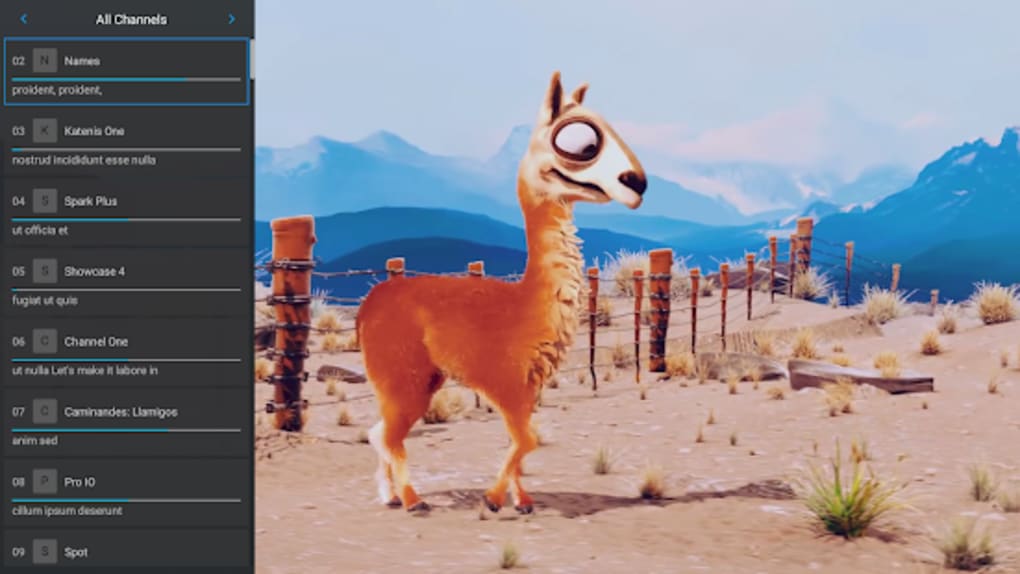
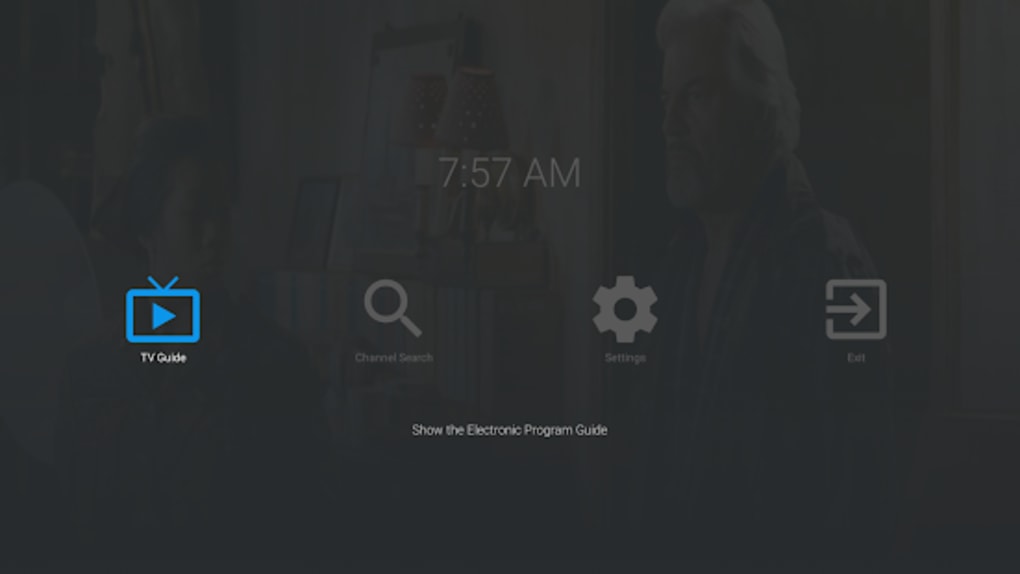
ZalTV Player APK features a straightforward user interface focused on functionality and ease of access. The main screen displays a channel list or grid layout, allowing users to browse available content quickly. Navigation is intuitive, with minimal on-screen clutter and logical menu placement. The workflow begins with adding an M3U playlist, followed by activation via a generated code, after which streaming starts immediately.
Performance is described as efficient and stable, with the app designed to minimize lag and buffering during playback. The developer did not specify resource usage details, but the application is noted as lightweight, suggesting low CPU and RAM consumption. Stability is emphasized, with minimal reports of crashes or bugs. However, exact performance data under varying network conditions were not provided.
General performance observations are based on typical behavior of lightweight streaming apps. Users can expect consistent playback when connected to a stable internet connection. The app does not include advanced features like parental controls, subtitles, or video quality settings, which may affect the experience for power users.
Compatibility & System Requirements
ZalTV Player APK is designed for Android-based devices. The application is distributed as an APK file, indicating it is intended for Android operating systems. Specific version requirements were not listed, nor were exact hardware specifications provided.
Installation size is not specified in the input. The developer did not provide additional system requirements, including minimum RAM, storage, or processor details. Compatibility with specific Android versions or device types remains unclear.
Platform compatibility information is limited to Android, and no details were given about support for iOS, Windows, or other platforms. Users should ensure their device supports APK installations and has a stable internet connection for optimal performance.
Pros and Cons
Pros
- Simple and fast setup process using a single activation code
- Supports multiple devices with one account activation
- Lightweight design with minimal impact on device performance
- Efficient playback of live TV and on-demand content
- Intuitive interface suitable for beginners
- Direct M3U playlist integration without URL manipulation
Cons
- Requires a third-party IPTV subscription to function
- No official support for iOS or non-Android platforms
- Missing advanced features like subtitles, parental controls, or playback settings
- Exact system requirements and performance metrics not disclosed
- APK distribution may raise security concerns for cautious users
FAQ Section
Is ZalTV Player APK free to download?
Yes, the app is available for free download as an APK file. However, users must have an active IPTV subscription to access content.
Can I use ZalTV Player on my smart TV?
Yes, the app supports streaming on smart TVs, provided the device runs Android and allows APK installations.
Do I need to enter M3U URLs manually?
No. The app allows users to add their M3U playlist directly and generate a short activation code for easy setup across devices.
Is ZalTV Player safe to use?
The app itself is a streaming player and does not host content. However, users should only use trusted M3U playlists from legitimate IPTV providers to avoid security risks.
Does ZalTV Player support offline viewing?
No, the app requires an active internet connection to stream live and on-demand content. It does not support downloading videos for offline playback.
Final Thoughts
ZalTV Player APK stands out as a focused, efficient solution for users already subscribed to IPTV services. Its streamlined interface, fast performance, and multi-device activation make it a practical choice for anyone seeking a hassle-free way to watch live TV on mobile or smart TV. While it lacks advanced features and platform diversity, its core functionality is well-executed and reliable.
For IPTV subscribers who value simplicity and speed, this app delivers a solid experience without unnecessary bloat. It is particularly beneficial for users who want to avoid complex configurations and manage their streams across multiple devices with ease.
Download ZalTV Player APK now to enjoy seamless live TV streaming on your Android devices.






.png)
